See only what needs you.
Your AIs and your people work the cards. HQ brings you the few decisions that are yours.
Already have HQ? Sign in

How it works
A card comes in. Someone works it. You decide.
Put work on a card
You, a helper or one of your AIs adds it to a project.
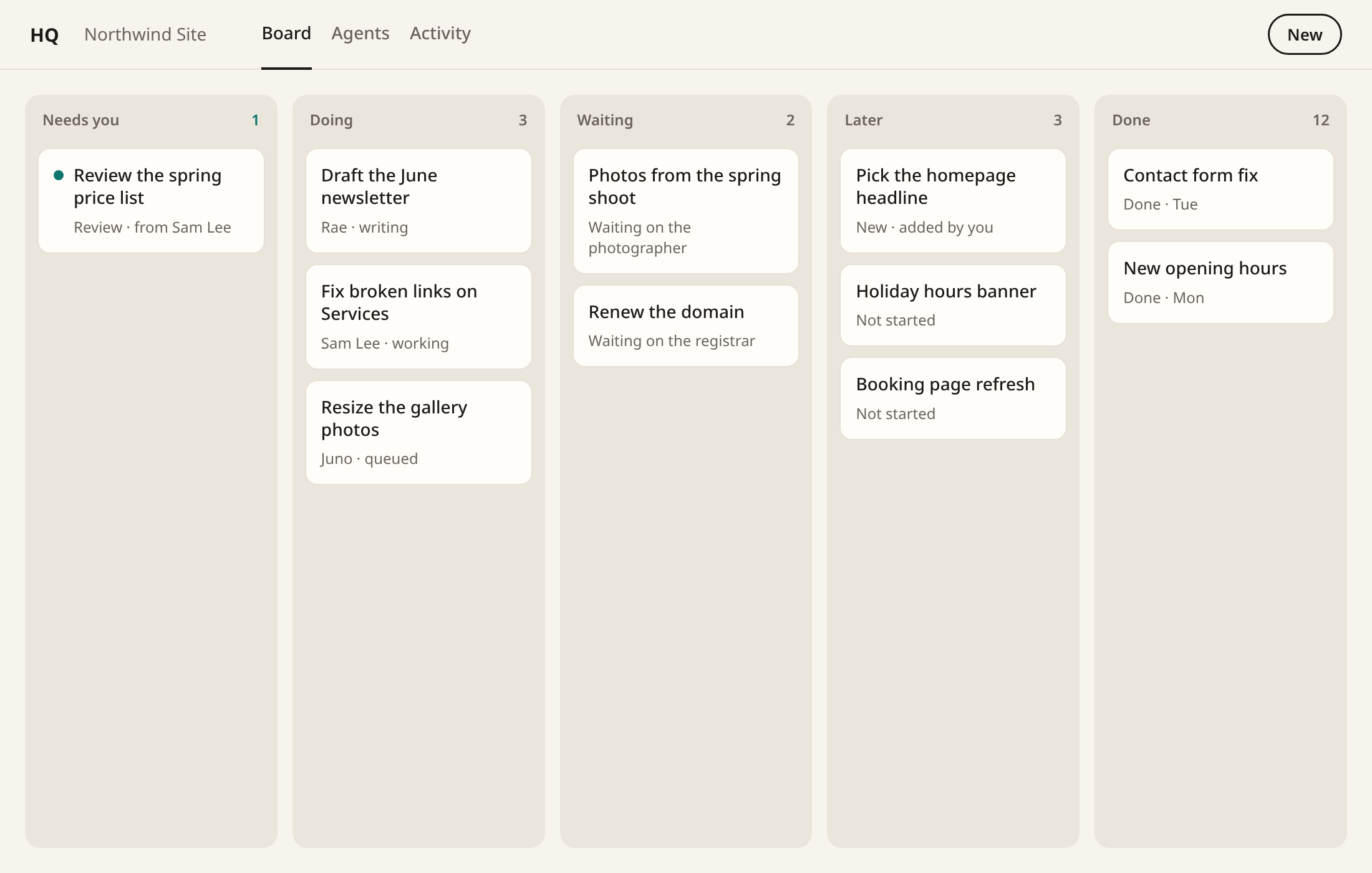
Your AIs and people work it
Each card says who has it and what it is waiting on.
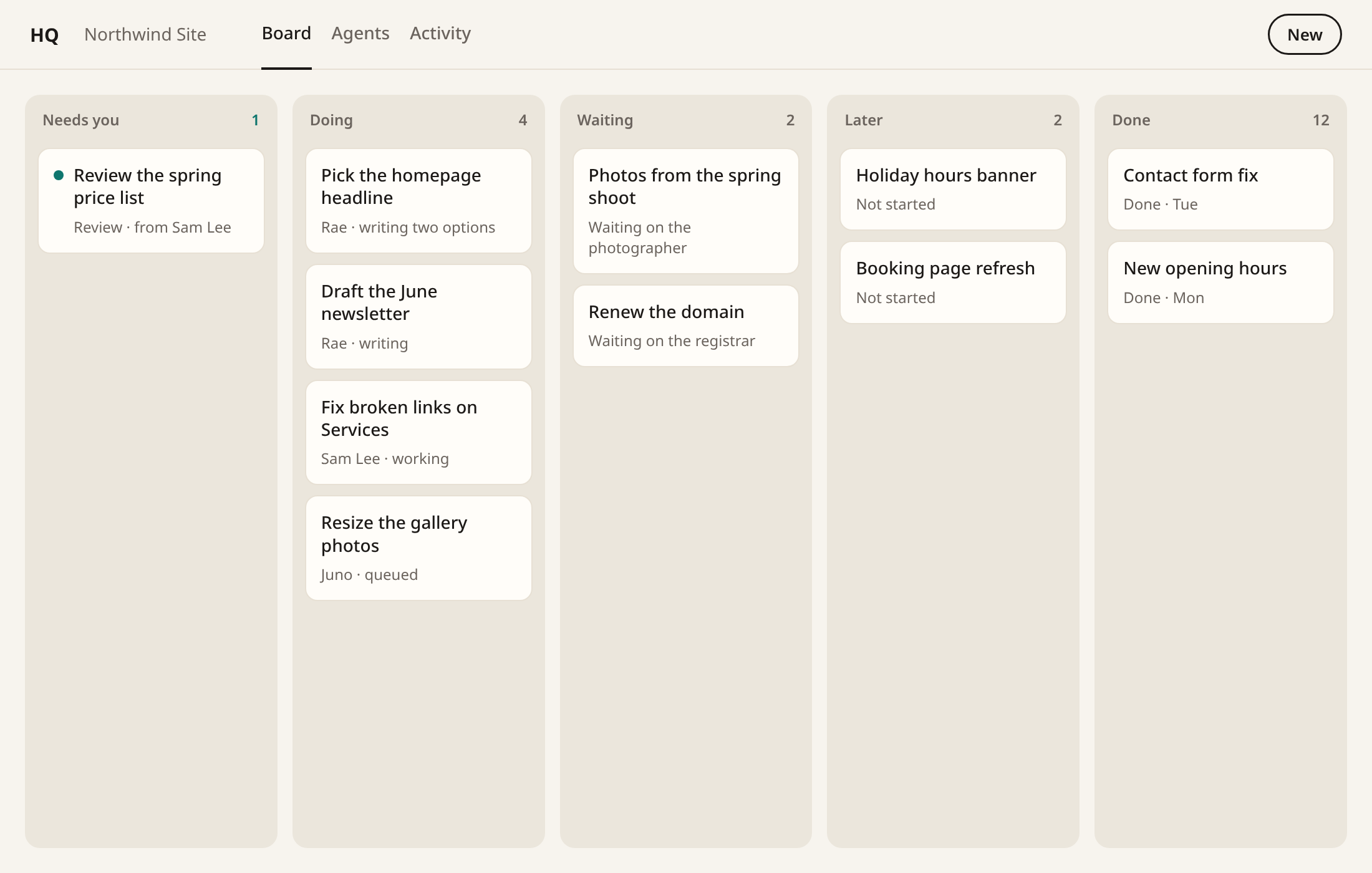
You decide what needs you
Only the decisions that are yours land in Needs you.
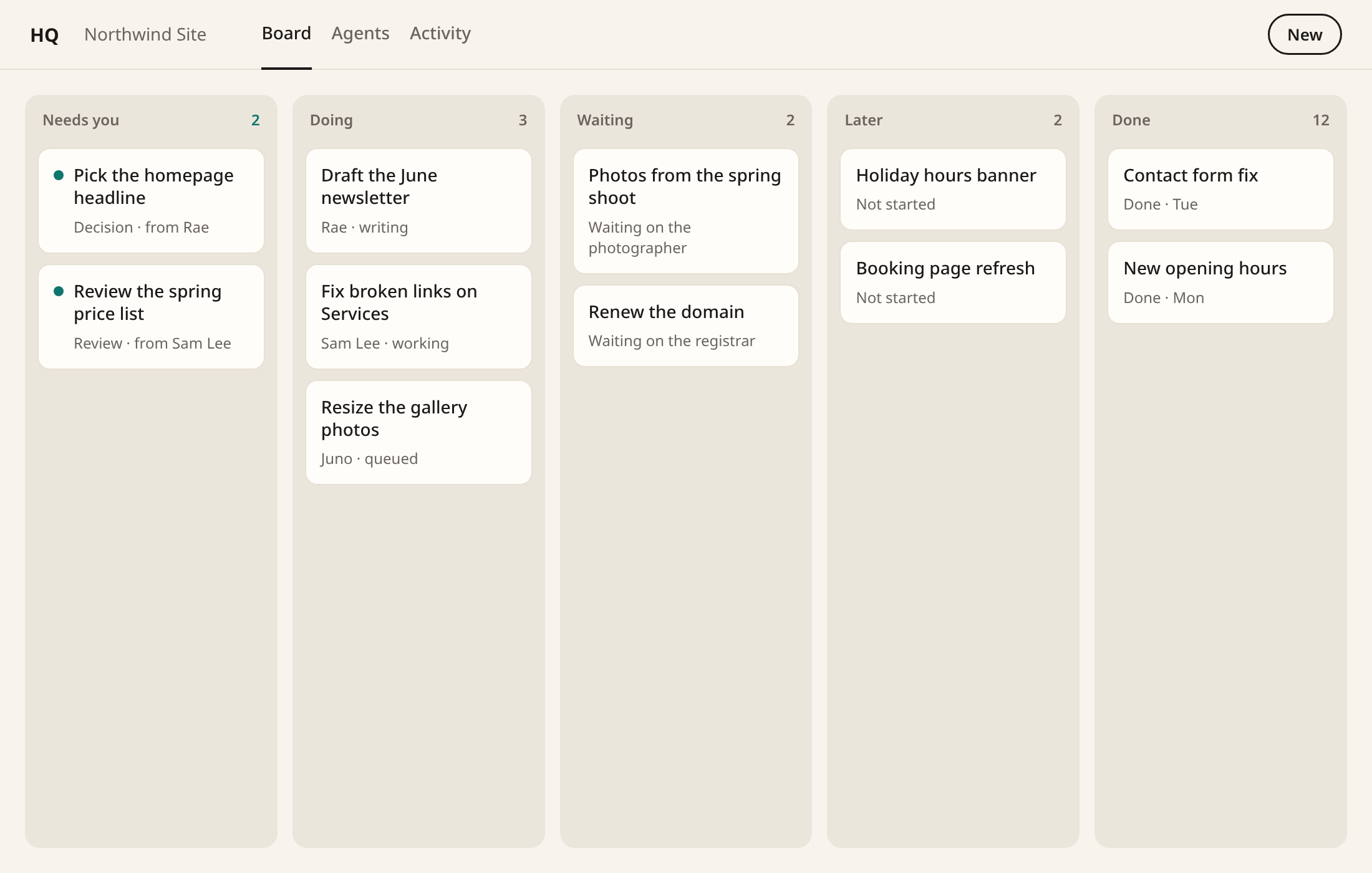
Who does the work
Your AIs, your helpers, you.
Your AIs
Connect the AI apps you already use. Each one works cards under its own name, and you can see when it last checked in.
Helpers
Invite the people who help you, with exactly the access you choose.
Workflows
Repeat requests come in as cards on their own.

Recorder
Your meetings, written down.
Meetings, voice notes and video turn into transcripts your AIs can work from.
Nothing is uploaded
Recorded and transcribed on your own computer.
Meetings need a computer
Record a meeting in Chrome or Edge on a computer.
Phones record voice
Speak a voice note on your phone; it lands in the same place.

Pricing
Start alone. Add people when you need them.
Every plan has the board, Needs you, your AIs and Recorder.
Solo
For one owner and her AIs.
Price shown at launch
Grows with: projects · Recorder storage
Choose SoloWith helpers
SuggestedAdd the people who work cards with you.
Price shown at launch
Grows with: helpers · projects
Get startedTeam
Several owners sharing one HQ.
Price shown at launch
Grows with: owners · helpers · projects
Choose Team
Questions
Before you start.
What is HQ?
A board for your work. Your AIs and the people who help you work the cards; HQ brings you only the decisions that are yours, in Needs you.
Which AI apps can I connect?
The AI apps you already use. Each one gets its own name in HQ and sees only the projects you give it.
Do my helpers see everything?
No. You choose what each helper can see and do, project by project.
Is my meeting audio uploaded?
No. Recorder records and transcribes on your own computer, and nothing is uploaded. Meetings need Chrome or Edge on a computer; on a phone you can record a voice note.
What does it cost?
Prices are shown at launch in December. Every plan has the board, Needs you, your AIs and Recorder.
Does it work on my phone?
Yes. HQ is built for your phone first: Needs you, your projects and New are one tap away.
Who makes HQ?
Jesús Aviña, one independent developer at AvinaLabs. Write to me at hello@avinalabs.com; I read every email.
From the maker
I'm building HQ because my own work outgrew a to-do list and a dozen chats.
I wanted one place where my AIs and the people who help me do the work, and I only see what needs me.
It's made by one person. If something is wrong or missing, tell me.
Jesús Aviña
Maker of HQ · hello@avinalabs.com
Start with what needs you.
Already have HQ? Sign in